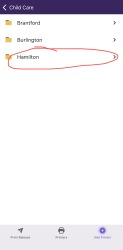
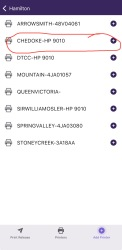
Print form iPad
Open the printerlogic app on your iPad
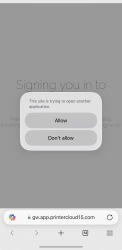
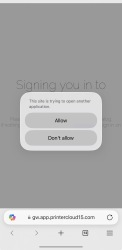
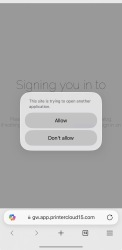
You will be prompted to login window, select to login with Entra and then please follow the instructions


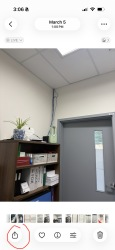
Open the image you want to print, then at the bottom left you will find the arrow up icon, Click on it.
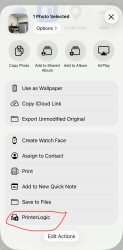
Then scroll until you find the PrinterLogic icon and click on it.
Finally, select the printer, if you can find it then add it and hit print.