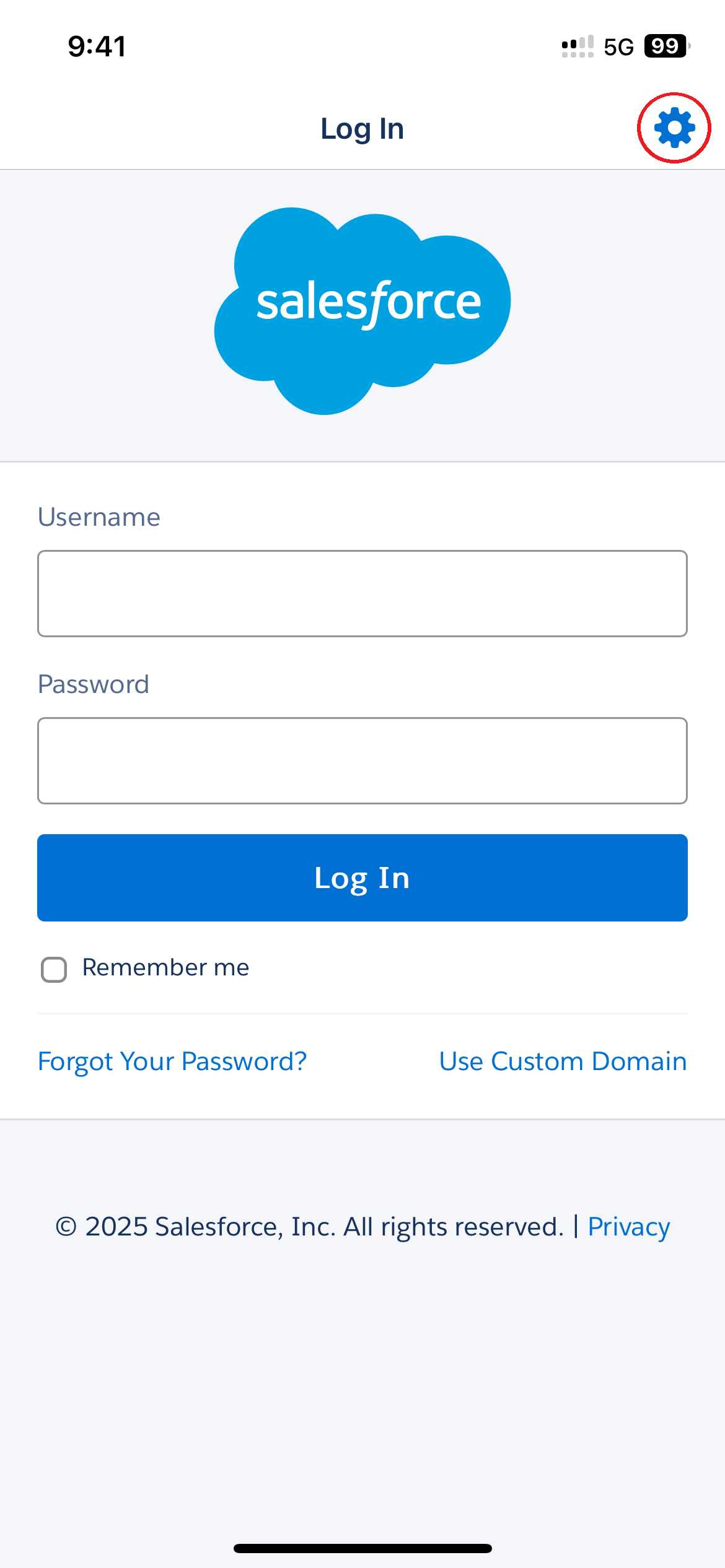
Salesforce App Login
1. Click the Gear Icon top right
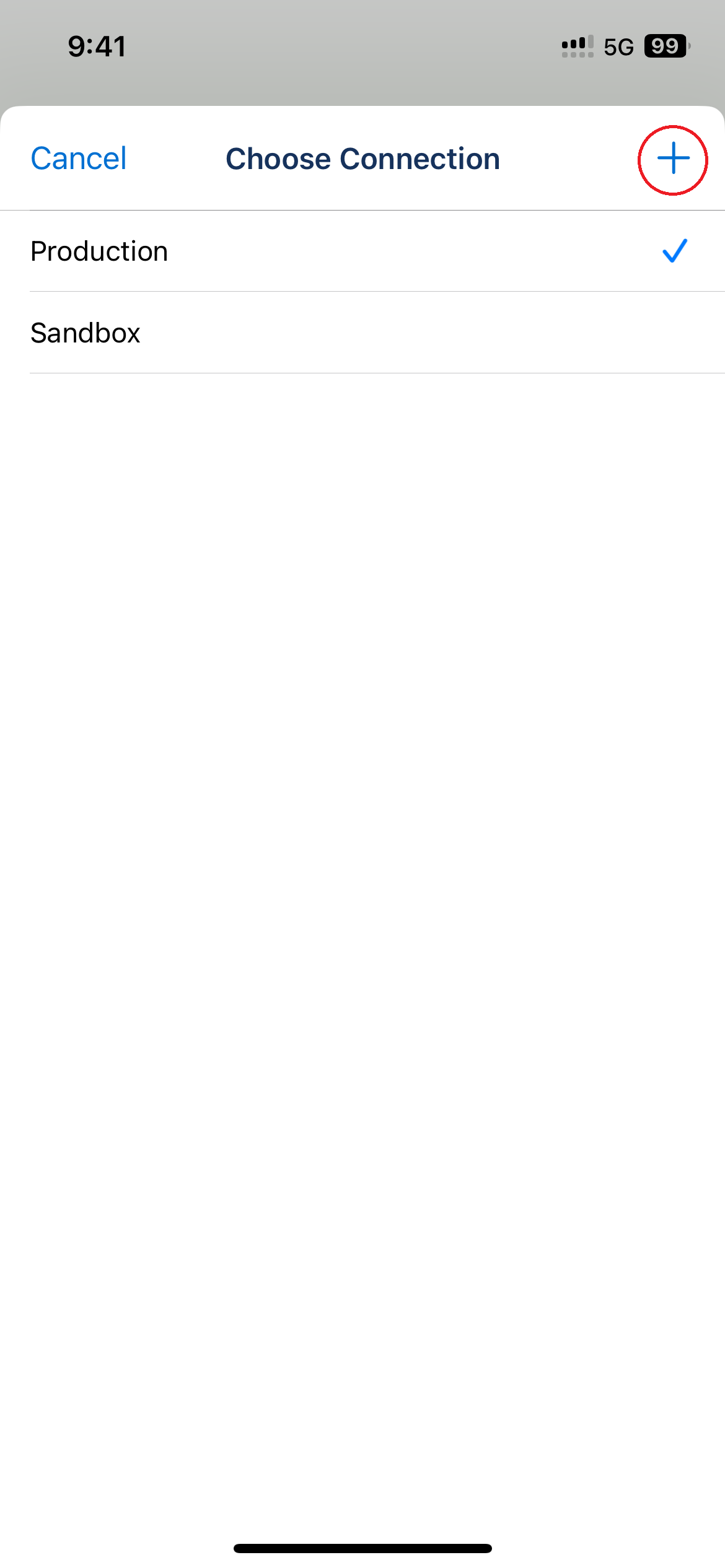
2. Click the plus sign top right
3. Enter ymcahbb.my.salesforce.com in the host field
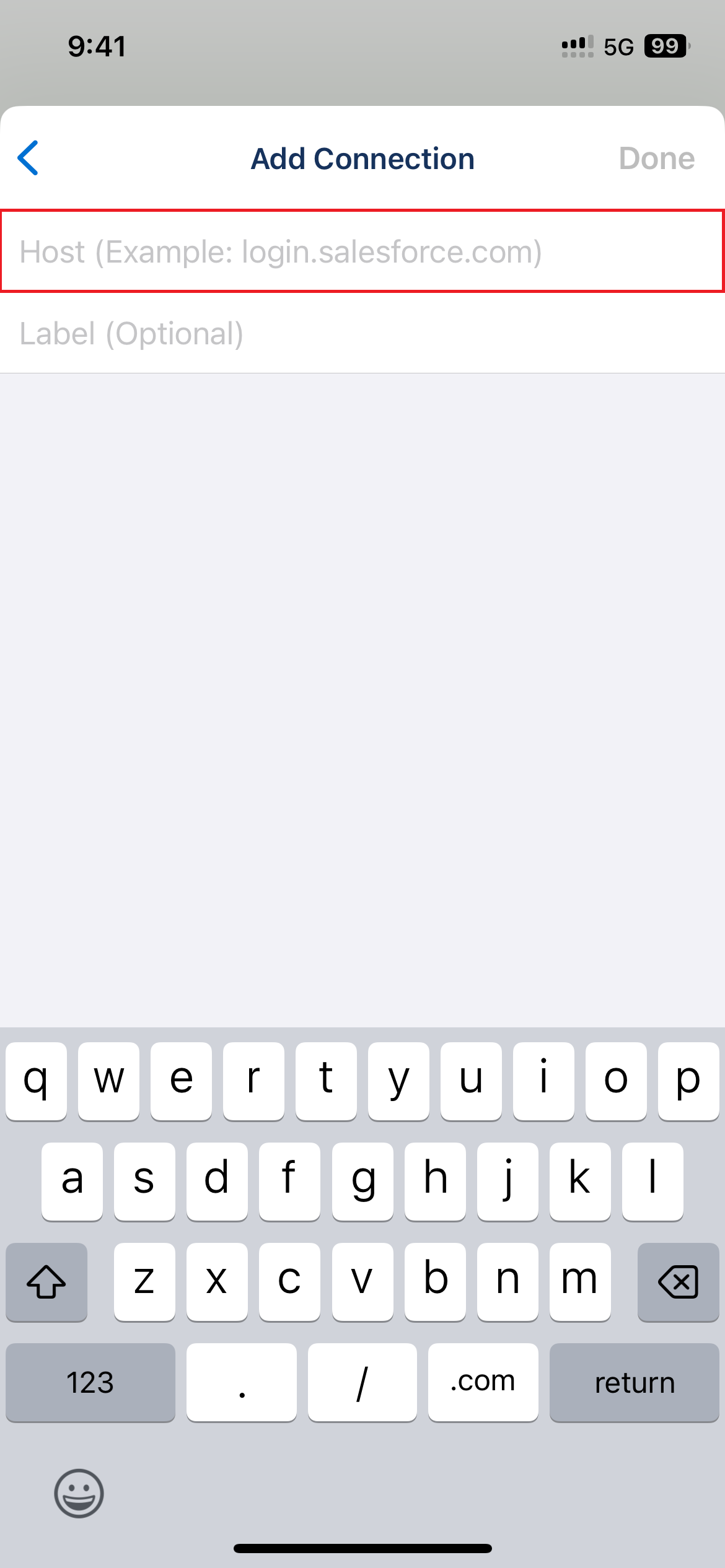
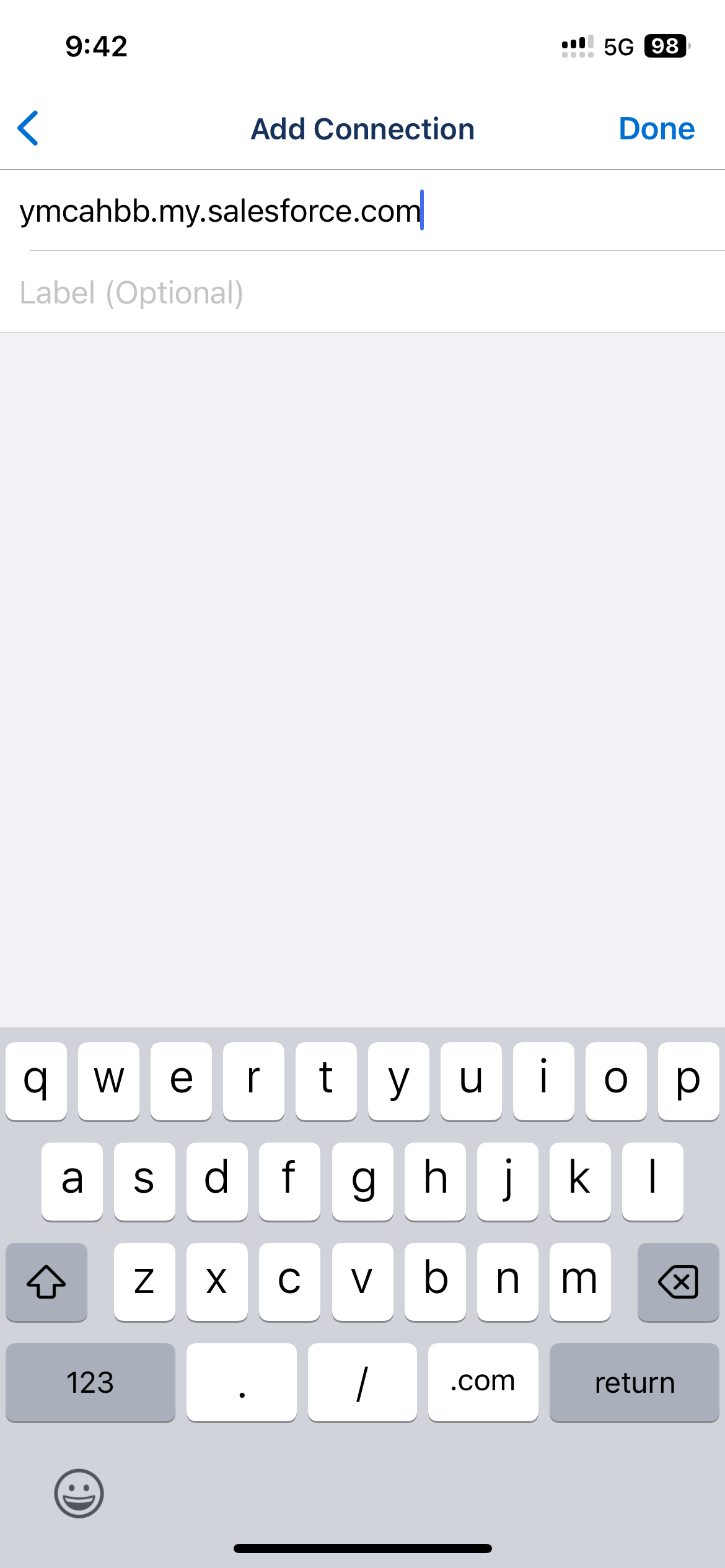
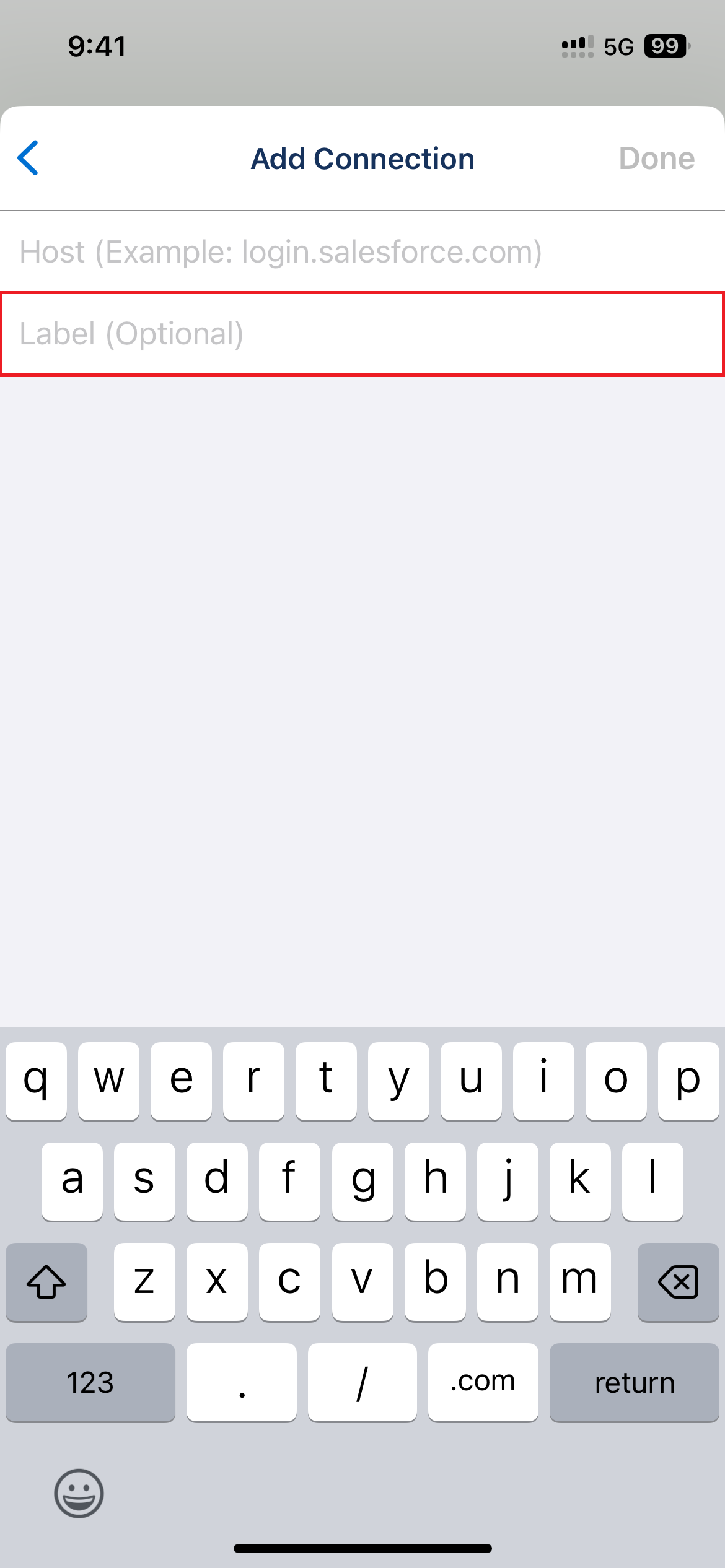
4. Enter a label name if you wish
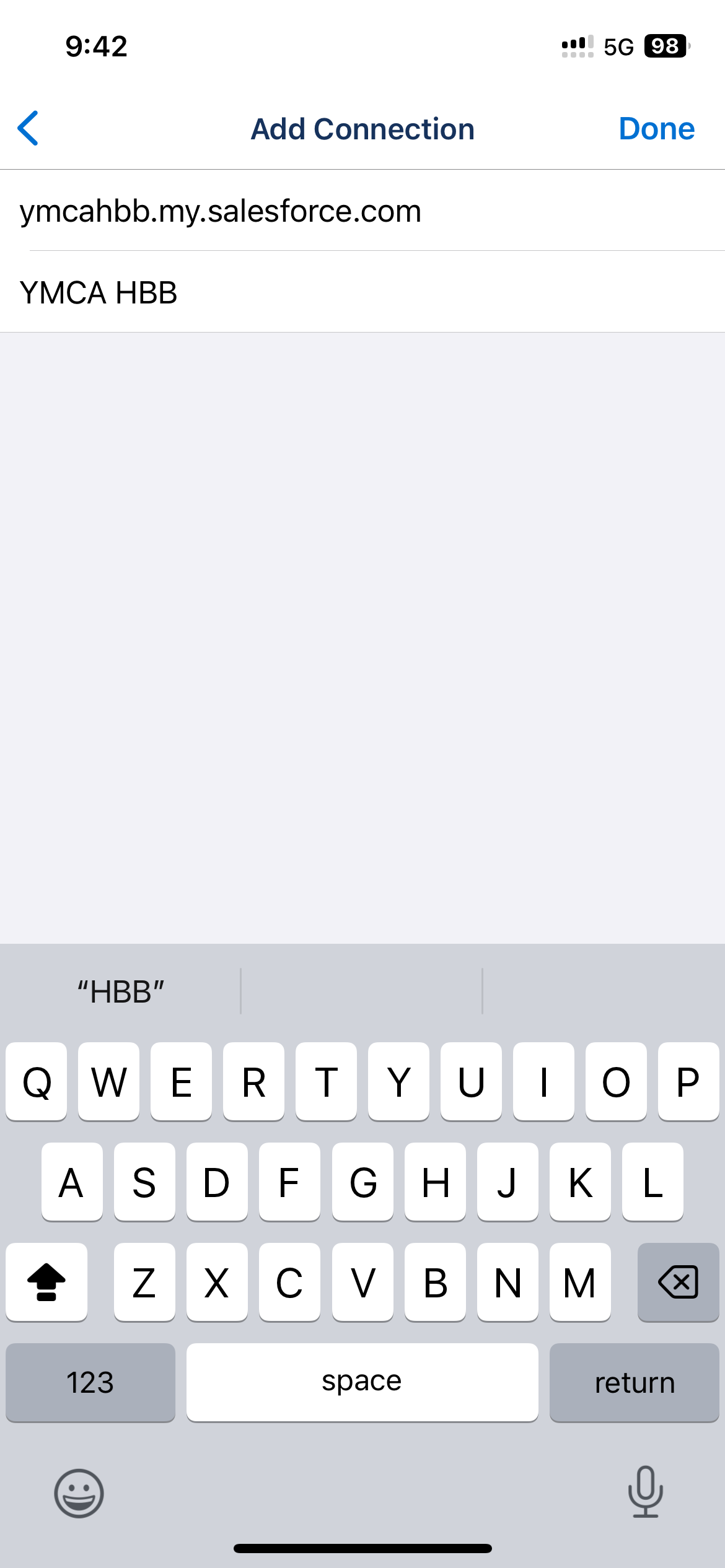
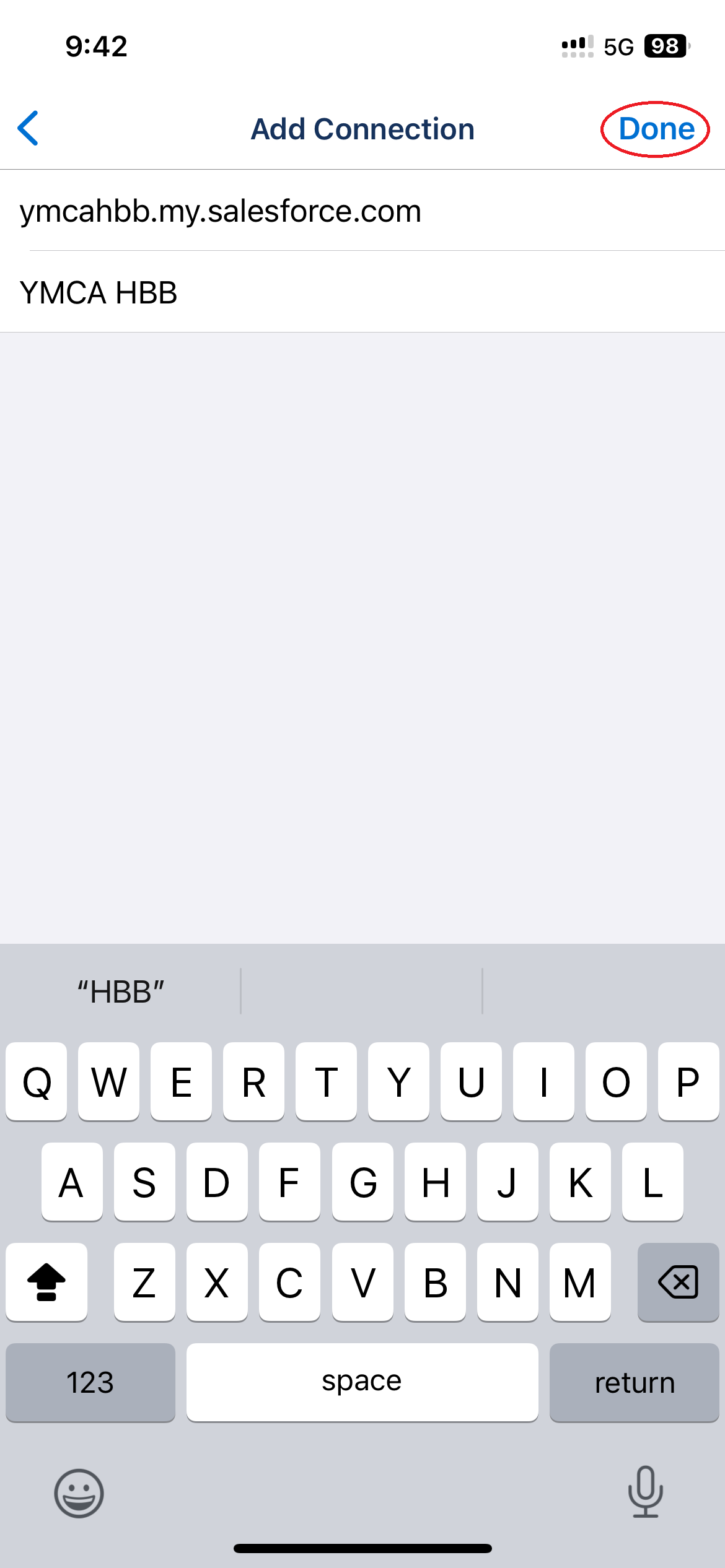
5. Click Done
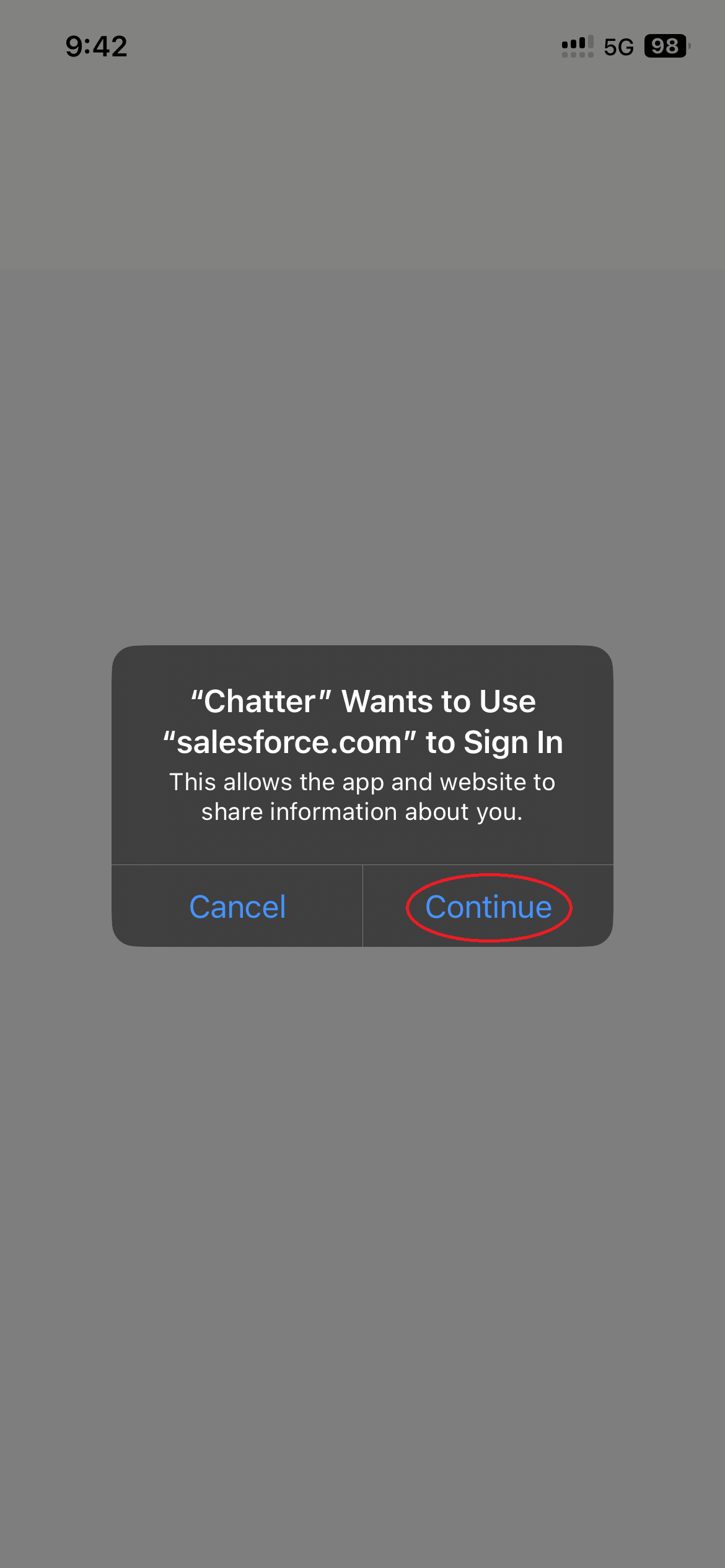
6. On the "Chatter" pop up Click Continue
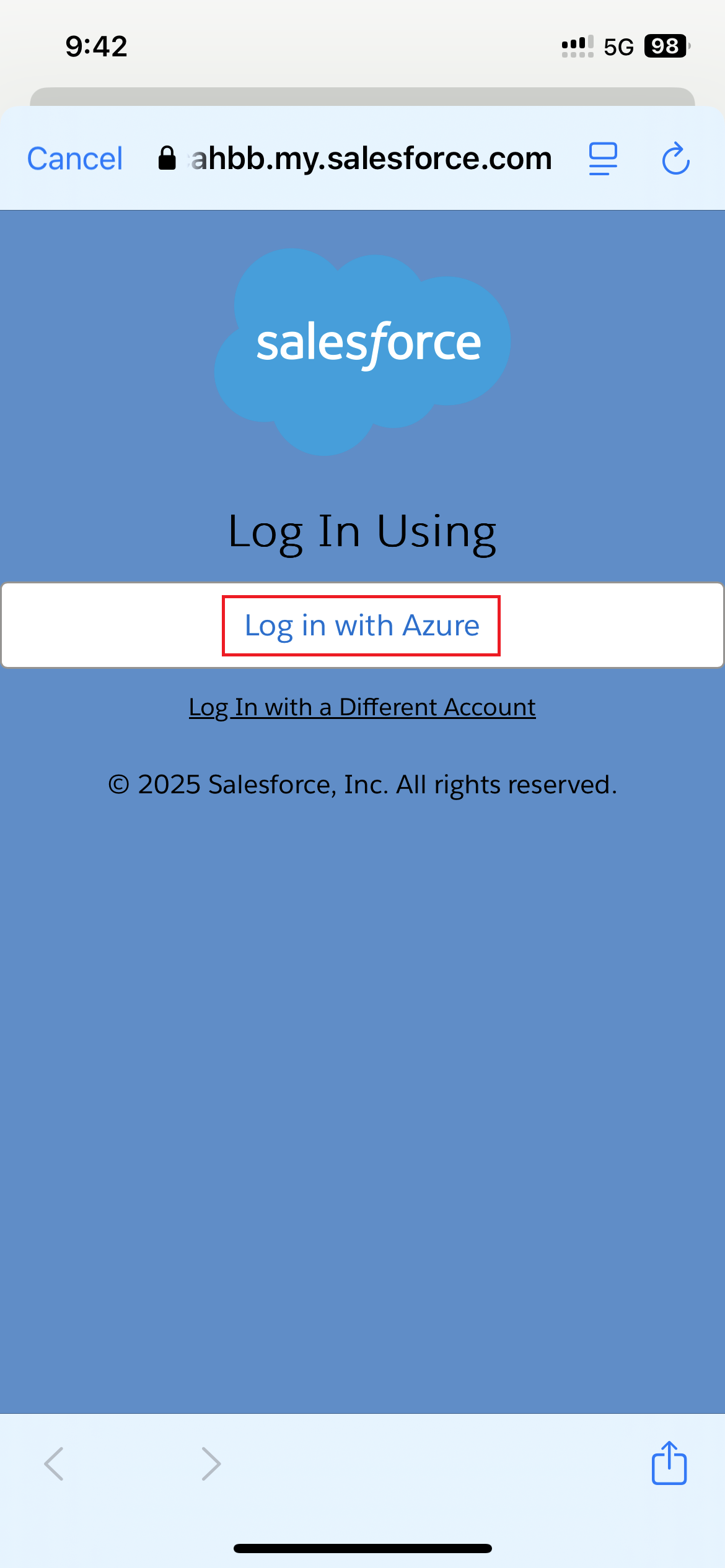
7. Click Log in with Azure
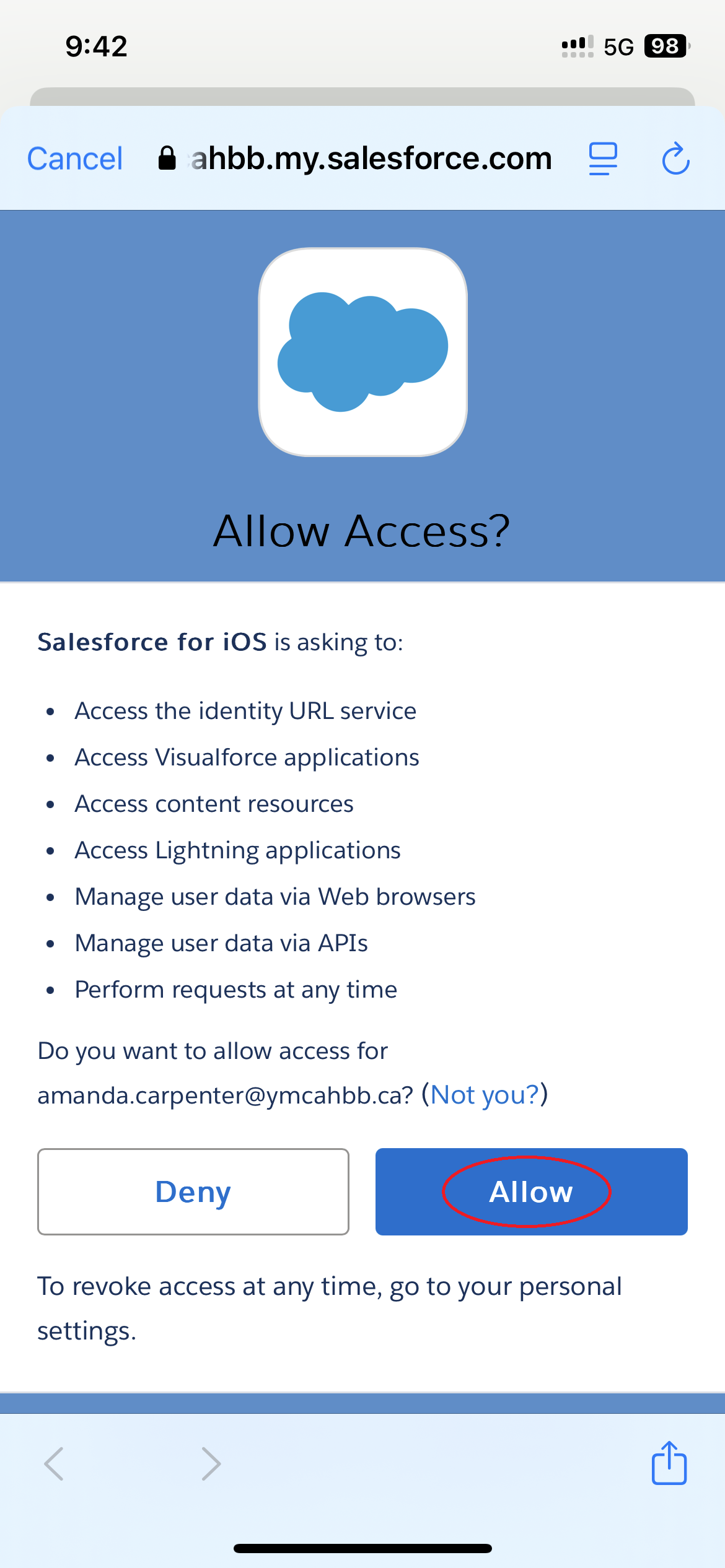
8. Click Allow