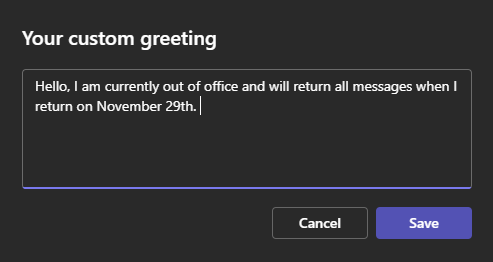
Setting Out of Office Greeting
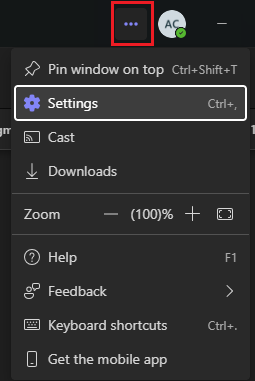
Step 1: Open Settings in Teams
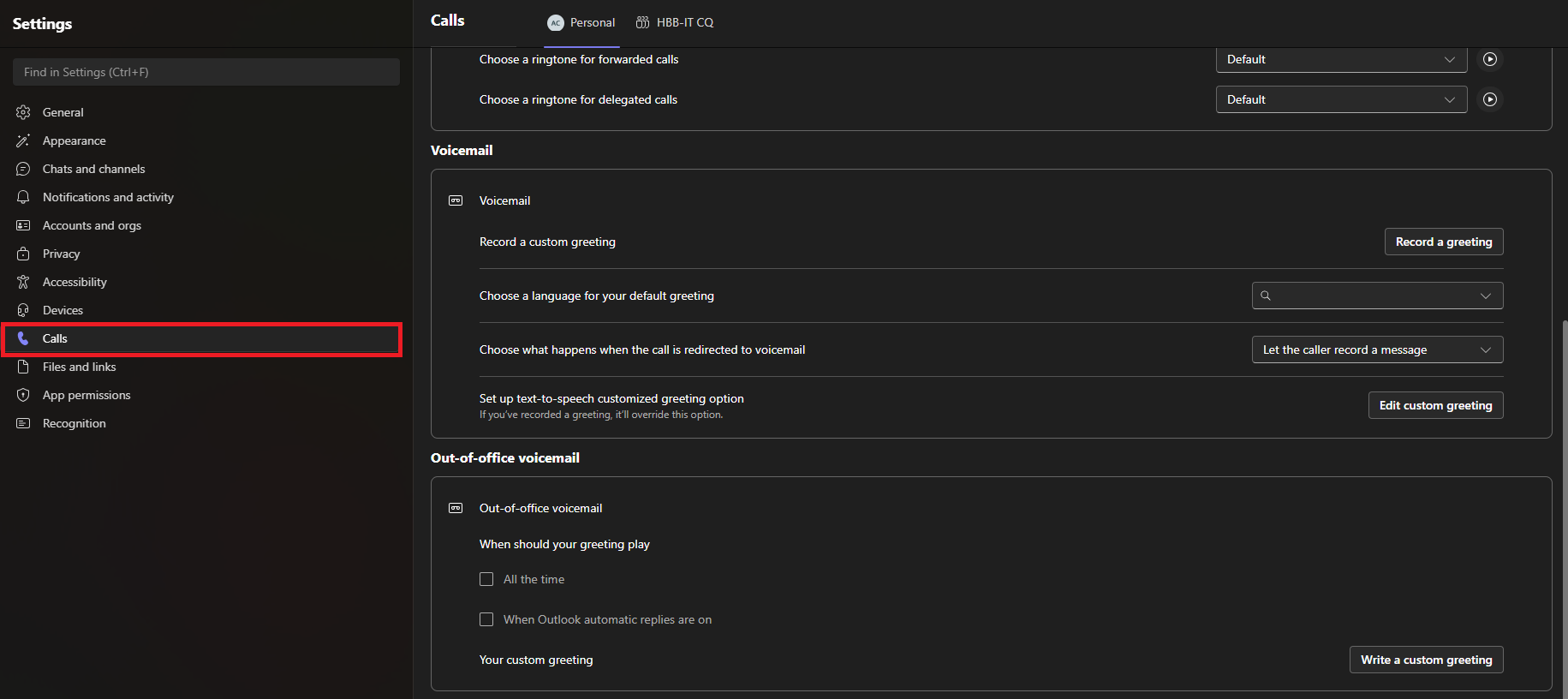
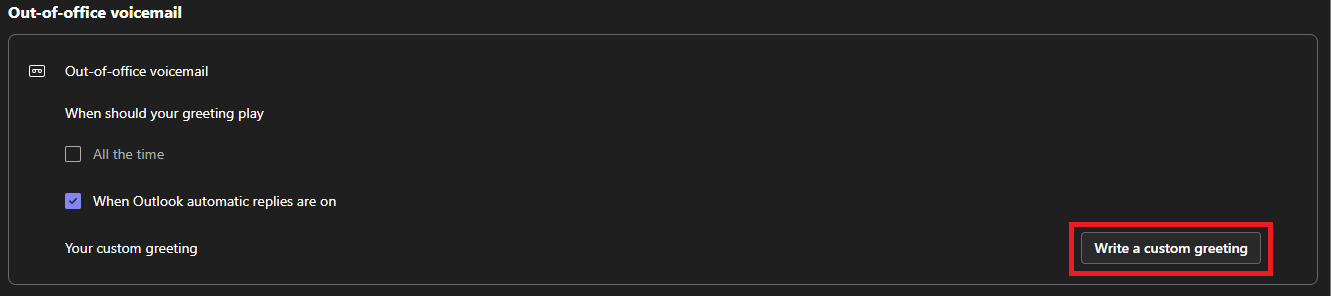
Step 2: Choose the calls tab and scroll down to Out-of-office voicemail
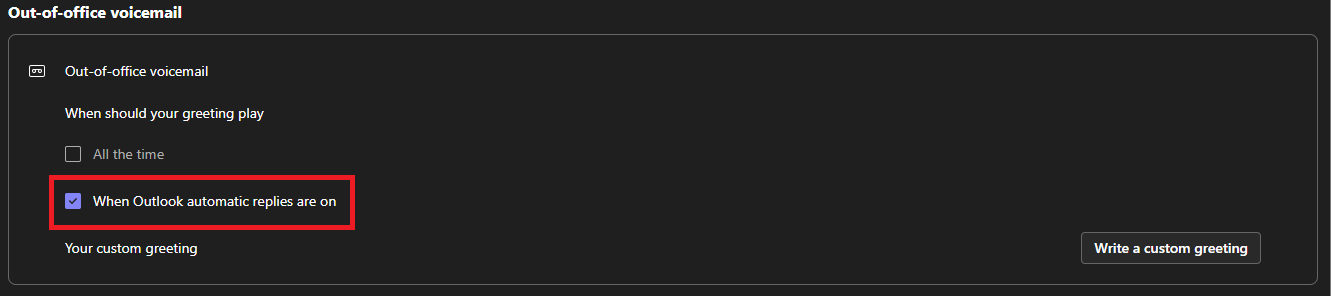
Step 3: Check the box next to When Outlook automatic replies are on
Step 4: Click Write a custom greeting
Step 6: Enter your custom greeting and Click Save