How to log into UKG on desktop/laptop computer
If multi-factor authentication hasn't been setup, please use the following guides,
If you are having trouble logging in, please reach out to you coach for a password/MFA reset.
Step 1 - Sign into your email using the following guide if needed,
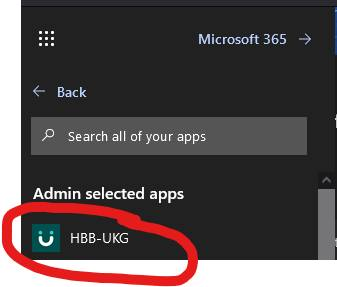
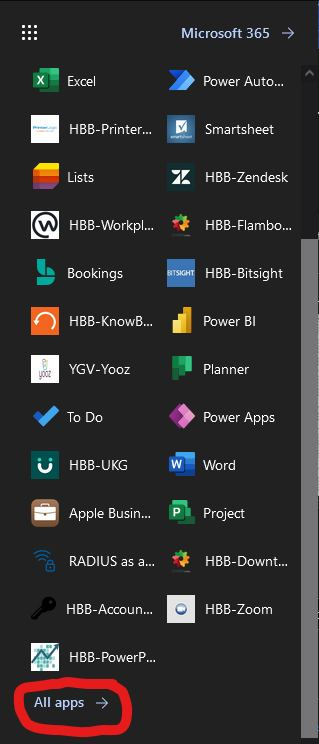
Step 2 - ClickGo the 9following dotsYMCA thatHBB lookApplication like a square in the top left corner,launcher,

Step 3 - Scroll down and select All apps,HBB-UKG,
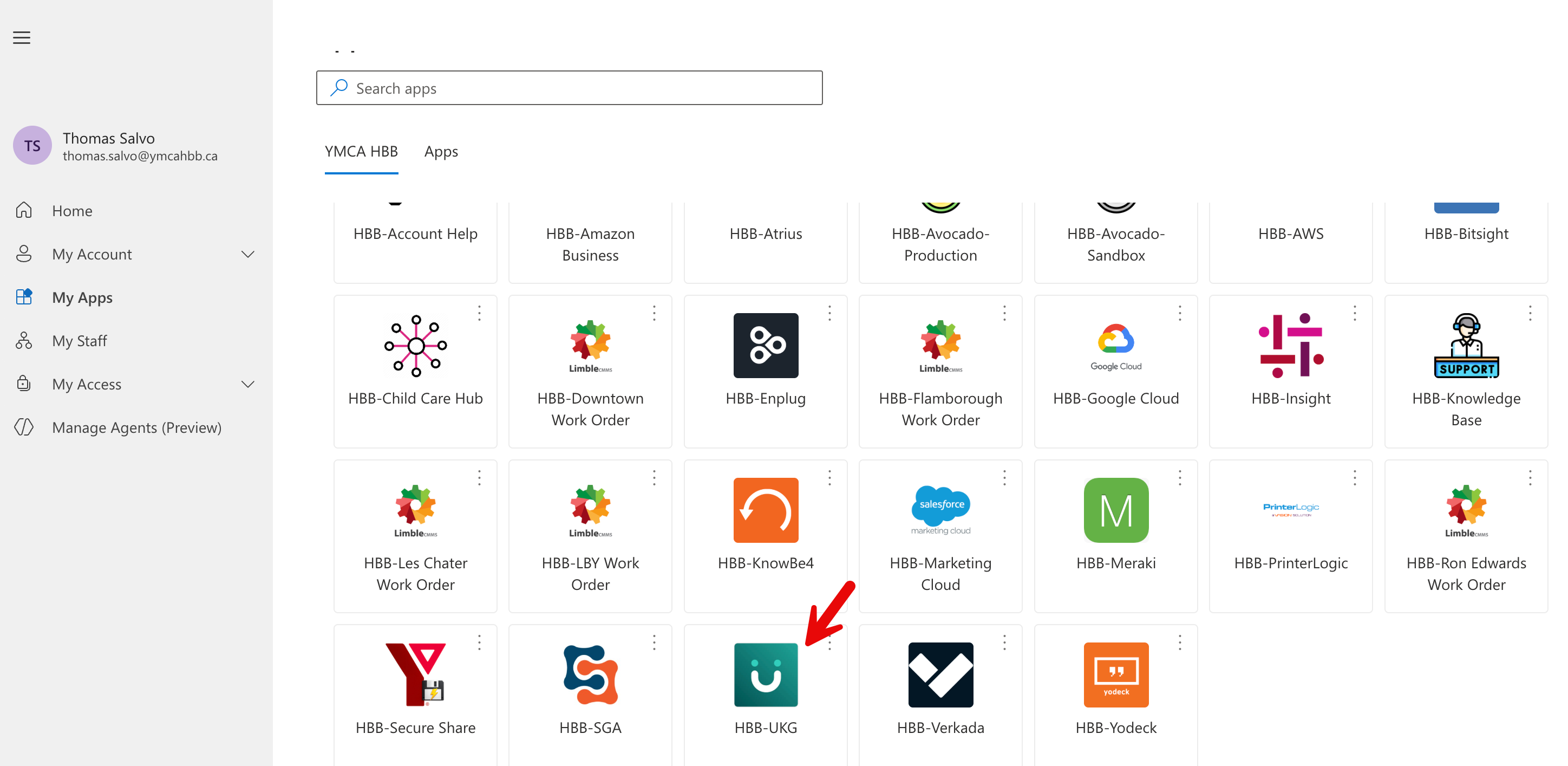
Step 4 - Click HBB-UKG