Clearing Outlook Cache
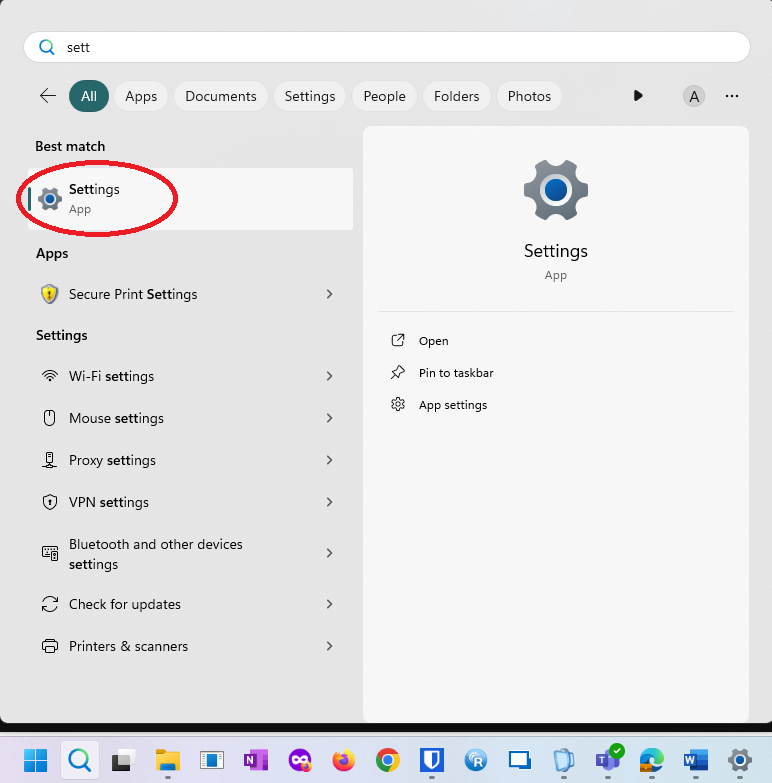
Step 1: Type settings in the search box, and then select the Settings app from the results.
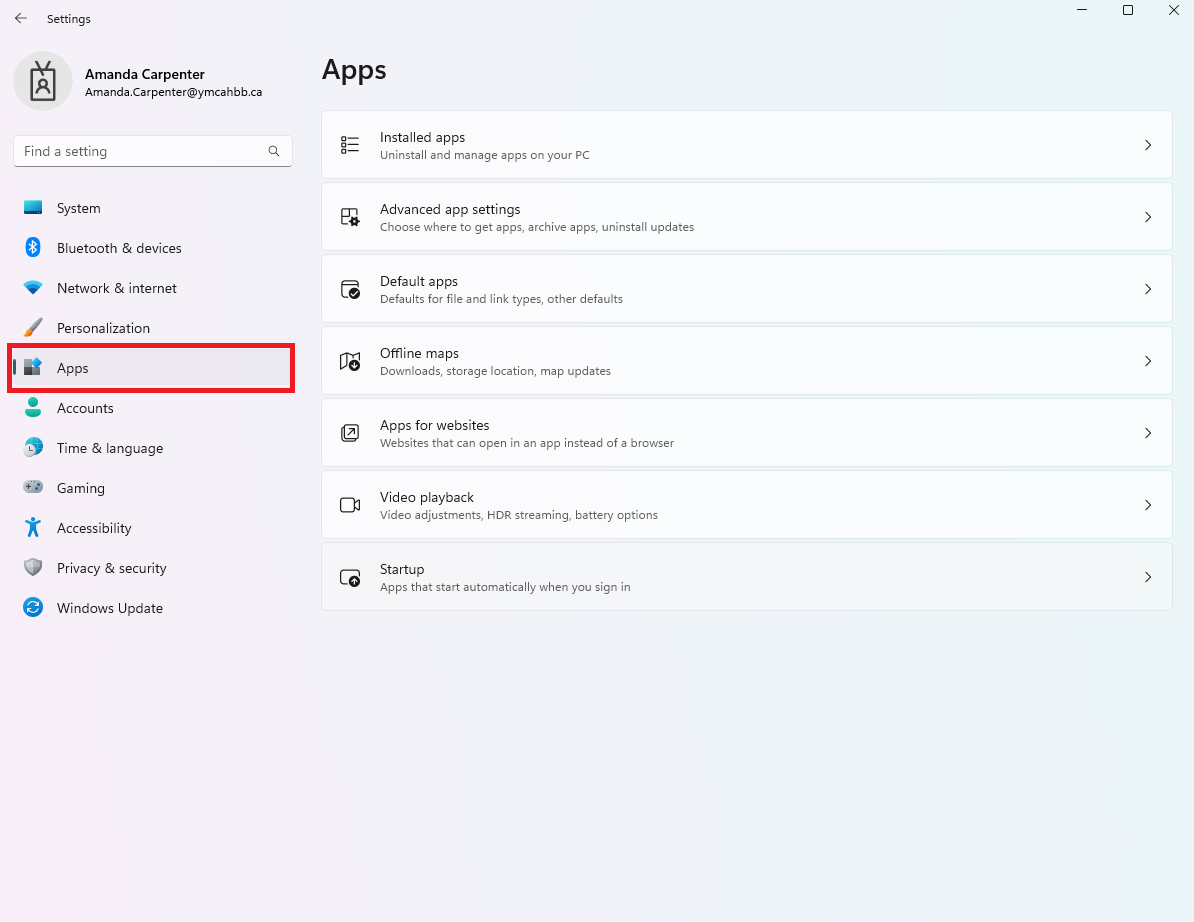
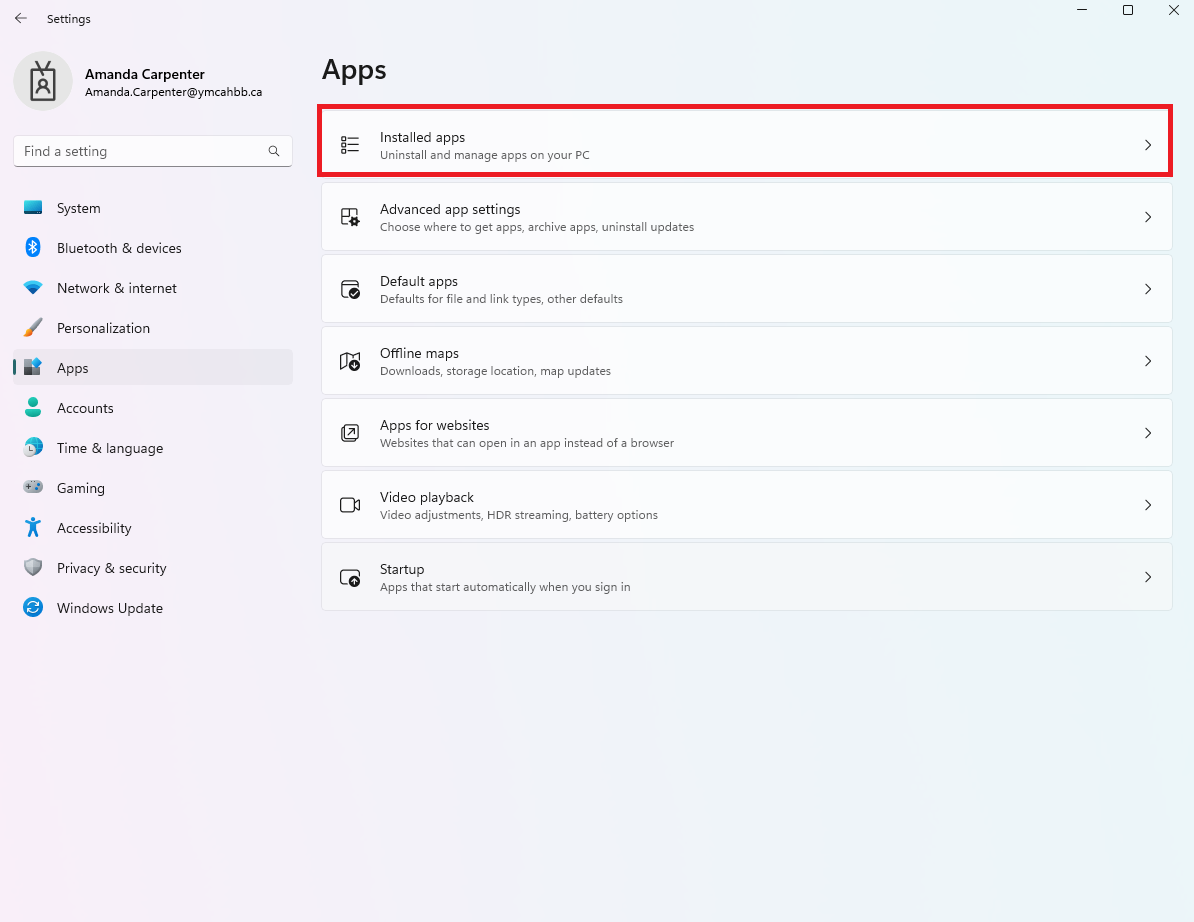
Step 2: Select Apps > Installed apps, and then type Microsoft TeamsOutlook in the search box.
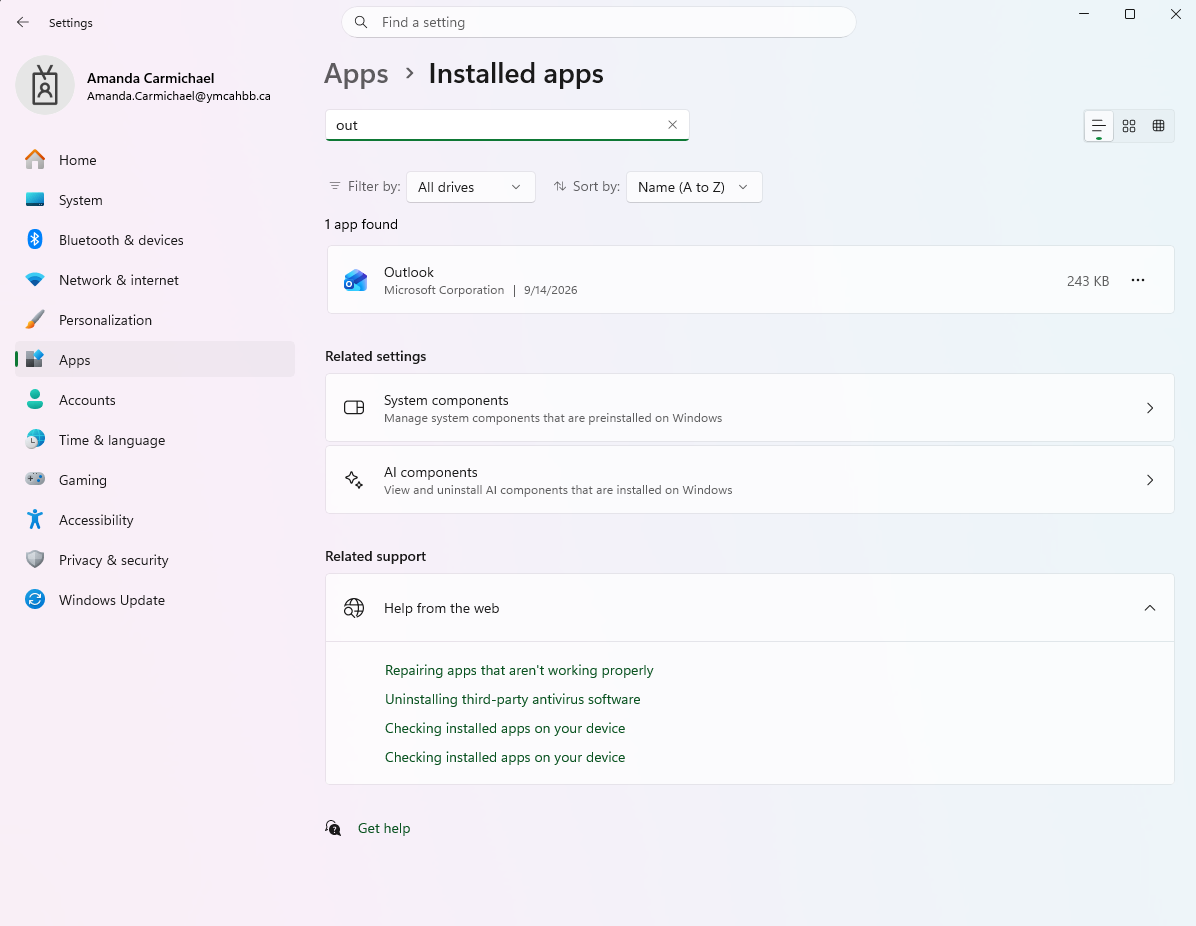
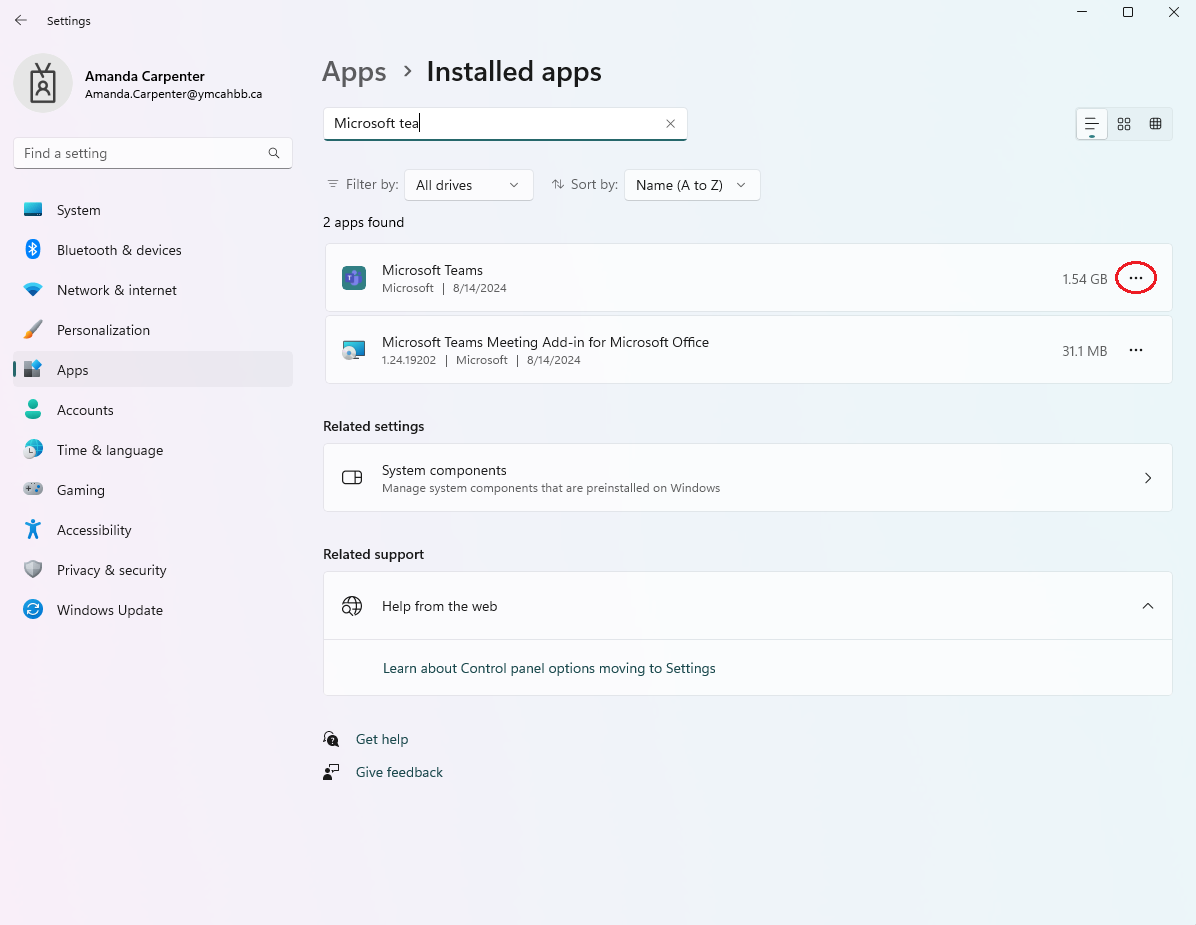
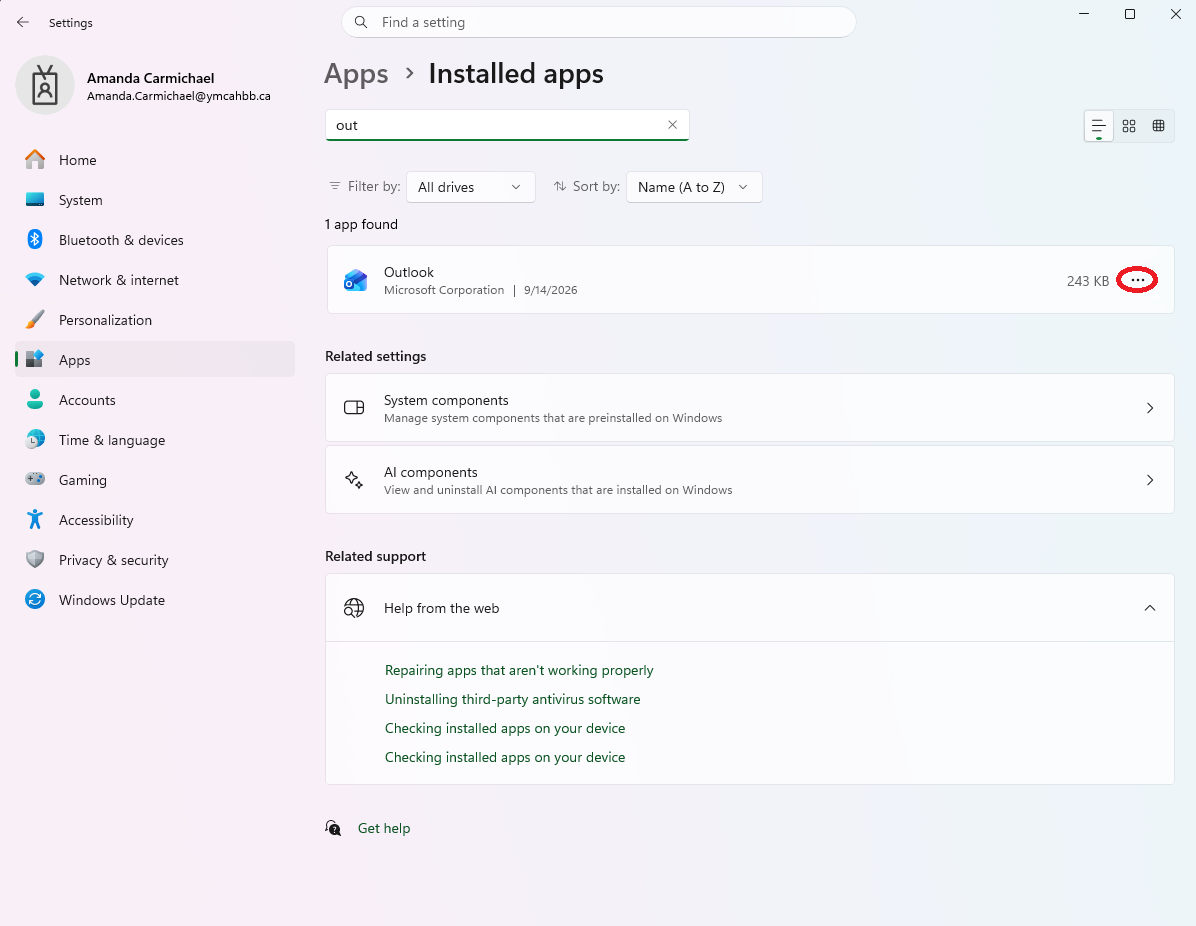
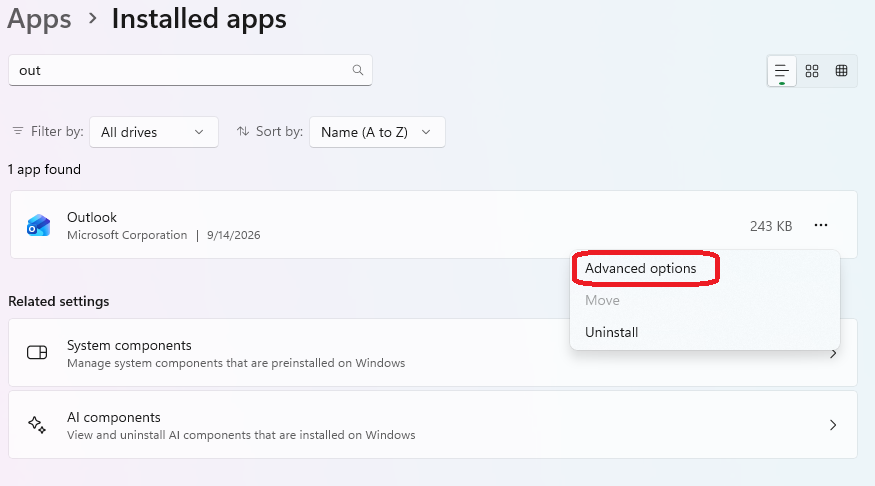
Step 3: Locate the New Microsoft Teams appOutlook from the results, select the More options button (...) on the right, and then select Advanced options.
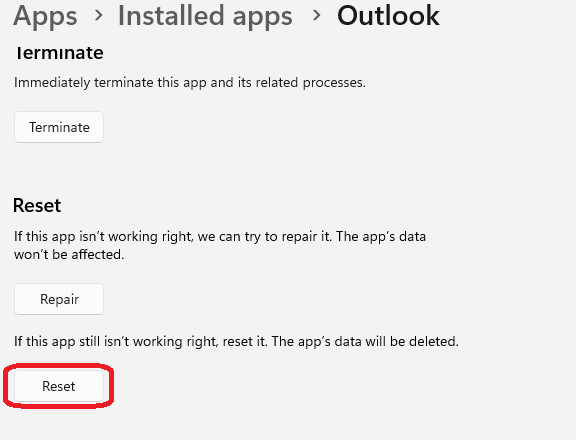
Step 4: In the Reset section, select Reset.