Skip to main content
Information Services Knowledge Base
View All
Search
Shelves
Books
Log in
Info
Content
Books
PrinterLogic
Print with Web Portal
Print with Web Portal
Step 1 - Head to the portal
https://ymcahbb.printercloud15.com/webprint
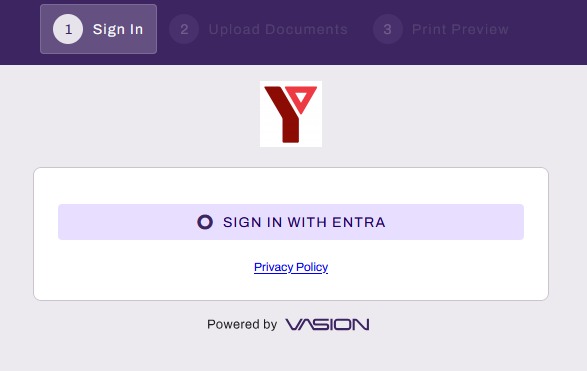
Step 2 - Sign in with your YMCA HBB email and password
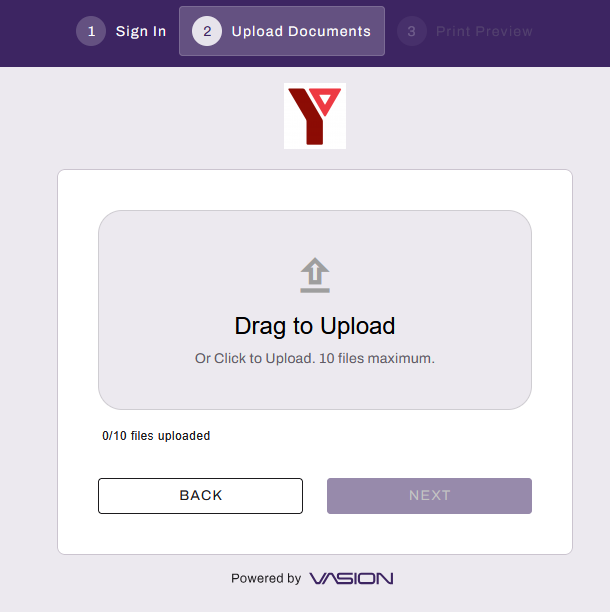
Step 3 - Upload your documents using drag or click into the box
Step 4 - Click Next
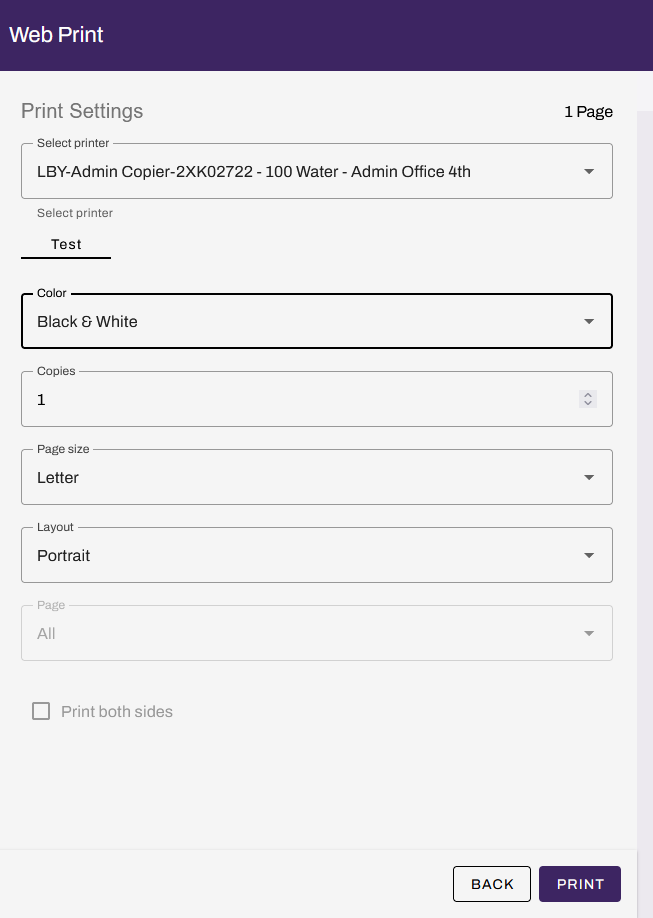
Step 5 - Select Printer and Settings
Enter section select mode
Previous
Scanning with Mobile App
Next
Print form iPad
Back to top