Skip to main content
Information Services Knowledge Base
View All
Search
Shelves
Books
Log in
Info
Content
Books
iOS
iPad Software Update
iPad Software Update
How to update your iPad software
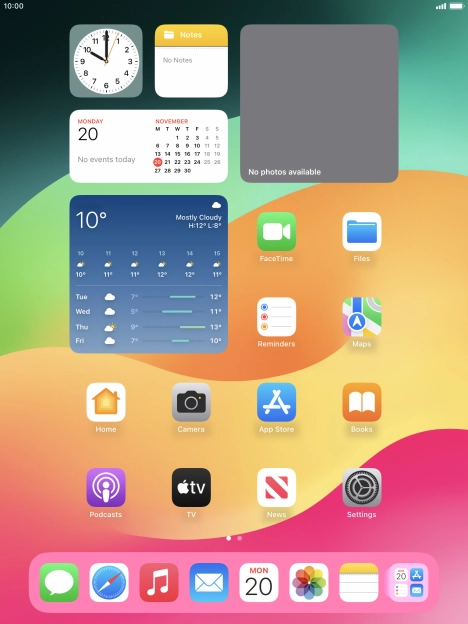
Look for the iPad settings
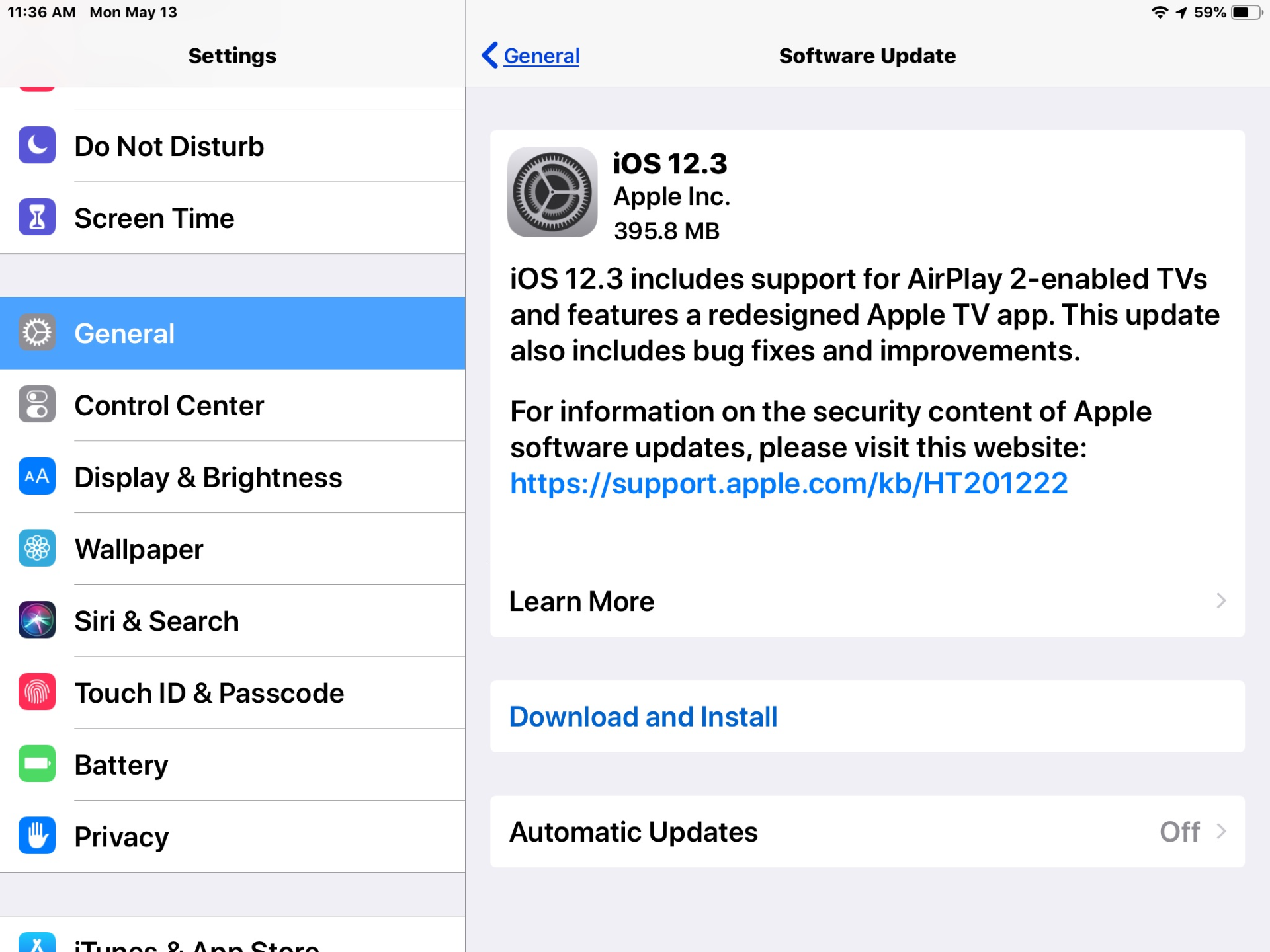
Select General and Software Update
Click Download and Install. When this process if finished it will ask you to restart the iPad
Enter section select mode
Previous
iPad Turn Off and On
Back to top